Globality · video platform
See Glo in action
The video pattern from globality.com, served by GoDAM instead of Vimeo. Every video on this page is one GoDAM block with three settings switched on in the sidebar: Show in lightbox, Show transcription and Show caption. There is no custom modal code here.
The clips are QA fixtures standing in for Globality’s own videos, so the behaviour is the thing to look at, not the footage.
What to look at
Four things on this page
Click any poster
In the customer stories below. GoDAM opens it in its own lightbox, the interaction globality.com builds by hand today.
Open the transcript
From the player controls once a video is open. Timestamped, click a line to jump.
Turn on captions
Auto-generated, or a caption track uploaded per video.
Try the hotspot image
Further down. The same layer system, on a still instead of a video.
Hero video
Lightbox, transcript and captions
Click the poster to open it in GoDAM’s lightbox, then open the transcript from the player controls: timestamped, scrolling with the playhead, and click a line to jump there. Captions come from the same track.
Customer stories
The same grid as globality.com/customers
Each poster opens in the lightbox. Nothing here is a custom modal.
Stills
Hotspots on a still image
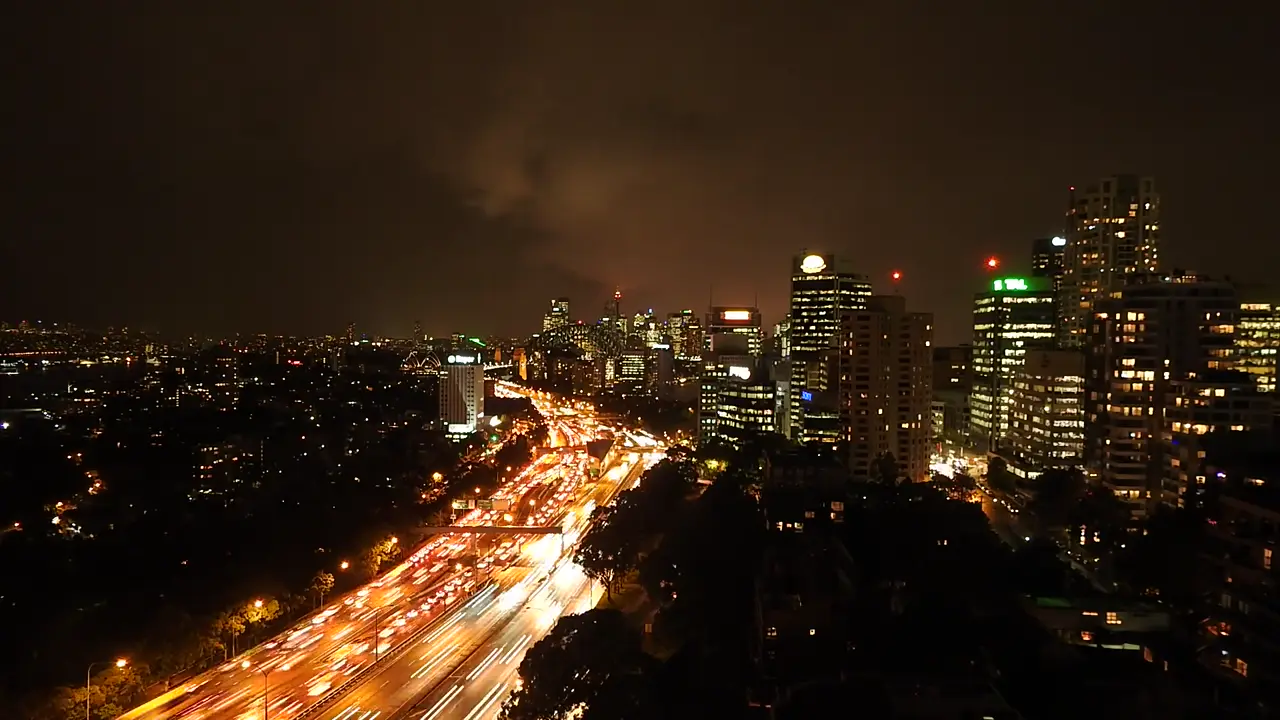
Globality’s tour spec has text-plus-still slides. GoDAM puts the same clickable layers on an image, so a still can carry explanations without becoming a video.
maintenance/globality-demo.spec.js in the godam-automation repo.